
Large Oil Rig Camera Codes – Rust Guide (2026)
All large oil rig camera codes for Rust in 2026. Complete CCTV identifier list for every level, plus how to set up your computer station for remote monitoring.

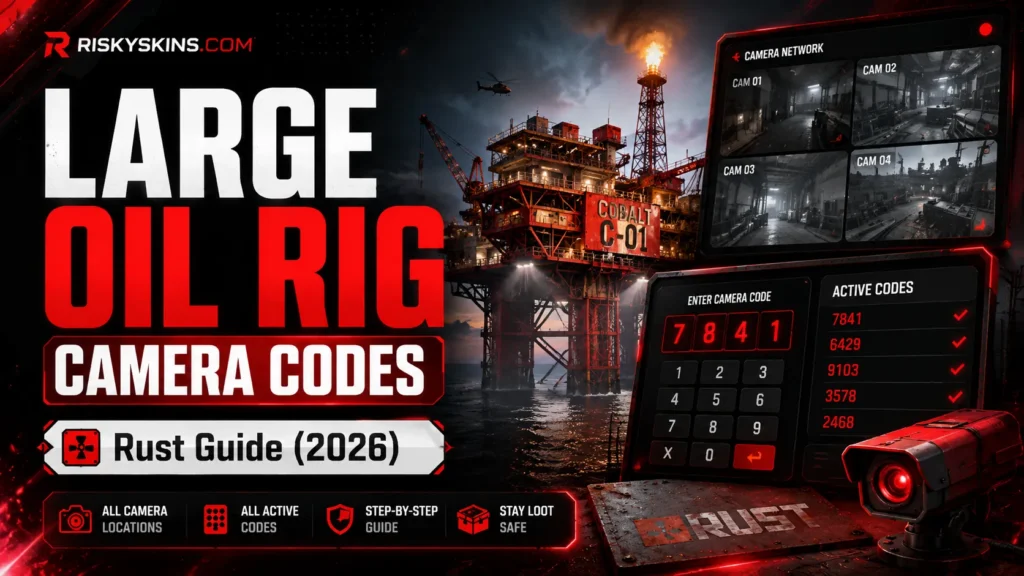
The Large Oil Rig in Rust has 13 CCTV cameras spread across every level. You access them through a Computer Station using specific identifier codes. Type the code. Hit the plus button. Watch the feed. Scout the rig from your base before you launch the raid.
This guide lists every large oil rig camera code, shows where each camera points, and explains how to set up your Computer Station for remote monitoring.
All Large Oil Rig Camera Codes
| Camera Code | Location | What You See |
|---|---|---|
| OILRIG2DOCK | Dock level | Boat dock and lower entry point. Spot incoming players. |
| OILRIG2L1 | Level 1 | First floor. View of lower walkways and stairs. |
| OILRIG2L2 | Level 2 | Second floor. Mid-level overview. |
| OILRIG2L3A | Level 3 (A) | Third floor, first angle. Covers one section of the level. |
| OILRIG2L3B | Level 3 (B) | Third floor, second angle. Covers the opposite section. |
| OILRIG2L4 | Level 4 | Fourth floor. View of mid-upper walkways. |
| OILRIG2L5 | Level 5 | Fifth floor. Near the top of the rig structure. |
| OILRIG2L6A | Level 6 (A) | Top level, first camera. Covers the roof area. |
| OILRIG2L6B | Level 6 (B) | Top level, second camera. Different roof angle. |
| OILRIG2L6C | Level 6 (C) | Top level, third camera. Another roof perspective. |
| OILRIG2L6D | Level 6 (D) | Top level, fourth camera. Final roof view. |
| OILRIG2HELI | Helipad | Helipad area. Spot the Heavy Scientists and Chinook. |
| OILRIG2EXHAUST | Exhaust | Exhaust stack area. Side view of the rig. |
All codes are case-sensitive. Type them exactly as shown. One wrong letter and the camera won’t connect.
How to Use Camera Codes
Step 1: Build a Computer Station
Craft or find a Computer Station. Place it in your base. No power required since the September 2021 update. Just place and sit down.
Step 2: Enter the Code
Sit at the Computer Station. Type the camera identifier (e.g., OILRIG2DOCK) into the “Identifier” field. Click the + (plus) icon to save it to your list.
Step 3: View the Feed
Click the saved camera name from your list. The live feed appears on screen. You see everything the camera covers in real time.
Step 4: Save All Cameras
Add all 13 codes to your list. Switch between cameras to monitor the entire rig without leaving your base. Check activity before you commit to the raid.
Why Monitor Large Oil Rig
Scout before raiding. See how many players are already on the rig. Spot their position. Count their numbers. Decide if you engage or wait.
Track the Chinook. The OILRIG2HELI camera shows the helipad. Watch for the Chinook arrival. Time your approach with the event.
Check for counters. After you start the event, switch cameras to spot counter-raiders approaching by boat. The OILRIG2DOCK camera catches them early.
Level 6 coverage. Four cameras cover the top level. That’s where the crate spawns. Monitor the roof while you clear lower floors.
Small Oil Rig Camera Codes
For comparison, here are the Small Oil Rig codes:
| Camera Code | Location |
|---|---|
| OILRIG1DOCK | Dock level |
| OILRIG1L1 | Level 1 |
| OILRIG1L2 | Level 2 |
| OILRIG1L3 | Level 3 |
| OILRIG1L4 | Level 4 (top) |
| OILRIG1HELI | Helipad |
| OILRIG1EXHAUST | Exhaust |
Small Oil Rig uses “OILRIG1” prefix. Large Oil Rig uses “OILRIG2” prefix. Don’t mix them up.
Other Useful Monument Cameras
| Monument | Example Code | Total Cameras |
|---|---|---|
| Airfield | AIRFIELDHELIPAD | 4 |
| Dome | DOME1 | 2 |
| Launch Site | LAUNCHSITE1 | 3 |
| Outpost | OUTPOST1 | 2 |
There are 52 total camera codes in Rust. Add the ones near your base and around monuments you raid frequently.
Tips for Camera Usage
Add cameras in order. Save dock first, then level by level upward. This creates a logical list to cycle through during raids.
Place your Computer Station near a window. If enemies raid your base while you’re watching cameras, you hear them. Don’t zone out.
Check cameras before every raid. Two minutes of scouting saves thirty minutes of getting countered. Make it a habit.
Share codes with your team. Every base needs a Computer Station with the full list. One person scouts while others gear up.
Want to gamble your Rust skins? Check our Rust gambling sites guide. For CS2 platforms, see our CS2 gambling sites overview.
FAQ
What are the large oil rig camera codes in Rust?
13 codes from OILRIG2DOCK to OILRIG2L6D. All use the “OILRIG2” prefix. Full list in the table above.
Do I need power for the Computer Station?
No. Since September 2021, Computer Stations work without power. Just place and sit down.
Are camera codes case-sensitive?
Yes. Type them exactly as shown. All uppercase, no spaces.
How many cameras does Large Oil Rig have?
13 cameras covering dock, levels 1-6, helipad, and exhaust.
What is the difference between OILRIG1 and OILRIG2?
OILRIG1 is Small Oil Rig (7 cameras). OILRIG2 is Large Oil Rig (13 cameras).