CS2 Viewmodel Commands – Full List (2026)

CS2 Viewmodel Commands – Full List (2026)

These cs2 viewmodel commands control how your weapon looks on screen. The right settings push the gun out of the way. More visibility. Better gameplay. Every pro player uses custom viewmodel settings. Here are all the commands you need. Quick Copy-Paste Config Open console (~) and paste: viewmodel_fov 68; viewmodel_offset_x 2.5; viewmodel_offset_y 0; viewmodel_offset_z -1.5; […]

Read more
CS2 Viewmodel – Pro Config Guide (2026)

CS2 Viewmodel – Pro Config Guide (2026)

Your cs2 viewmodel controls how the weapon looks on screen. Pro players max the FOV to 68. They push the gun far right and low. More screen space. Better visibility. Three console commands change everything. Best Viewmodel Settings Open console (~) and paste: viewmodel_fov 68; viewmodel_offset_x 2.5; viewmodel_offset_y 0; viewmodel_offset_z -1.5 Done. Maximum FOV. Gun […]

Read more
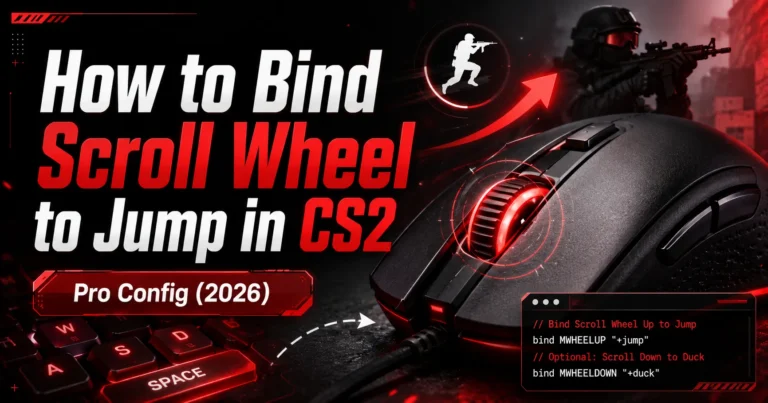
How to bind scroll wheel to jump in CS2 with mouse pro config 2026

How to bind scroll wheel to jump in CS2 – Pro Config (2026)

Every pro player binds jump to the scroll wheel in CS2. The reason is simple. The scroll wheel fires multiple inputs per notch. That gives you several chances to hit the jump at the exact right moment. Spacebar gives you one chance. Scroll gives you many. This guide shows you how to bind pular no […]

Read more